Did the CPU spike all of a sudden, with no logical reason explaining it, and now everything seems back to normal? Have the traffic rates dropped to an abnormal level, thrusting every manager and shareholder into a panic?
Problems like this happen all the time, and it’s good when they don’t lead to disasters and outages that last hours, draining your company’s resources. However, unless you find a way to monitor your infrastructure properly, sooner or later, your entire organization will end up in trouble.
The larger a company is and the bigger IT infrastructure it relies on, the more things you need to monitor. Doing it on your own is impossible, no matter how experienced you or your team is. That’s where specialized monitoring systems come in.
This guide offers a deep and thorough look at how these systems work and which software can be considered the best in 2026. Explore them together with us, and you’ll have a solid pick of options to start with.
Our Criteria: How We Picked Top IT Monitoring Services
Software companies always monitor how iOS apps are working to avoid unexpected glitches and sudden crashes. The same principle applies to the best IT infrastructure monitoring systems: before selecting which ones to recommend, we tested multiple options based on a variety of factors. Here they are:
- The depth of coverage. The more servers, networks, containers, and applications the system can monitor for its users, the more points we assign to it. The depth of this coverage is just as important, so we paid close attention to it;
- Scalability and costs. Companies have a tendency to grow with time, and the best monitoring software should accommodate them. The price matters, too: cheaper options and free platforms always score extra points;
- Alerts and insights. It’s vital for monitoring platforms to alert users to any glitches, lags, and security issues as fast as physically possible. If they provide helpful insights as well, that’s a plus;
- Ease of use. The simpler the tool is, the less time companies need to master and start deploying it. Systems that come with simplified but highly informative dashboards stand out by default.
These four factors played the biggest role in our decision-making, although some smaller aspects had some influence on this final pick, too.
4 Best IT Monitoring Software Worth Trying
As Steve Maraboli once said, “Accept yourself, your strengths, your weaknesses, your truths, and know what tools you have to fulfill your purpose.” While he was talking about psychology, this same truth applies to companies looking for tools that can make or break their business.
We selected four IT monitoring systems out of more than a hundred. See what makes them worthy and choose which one appeals to you the most.
Monitor.us
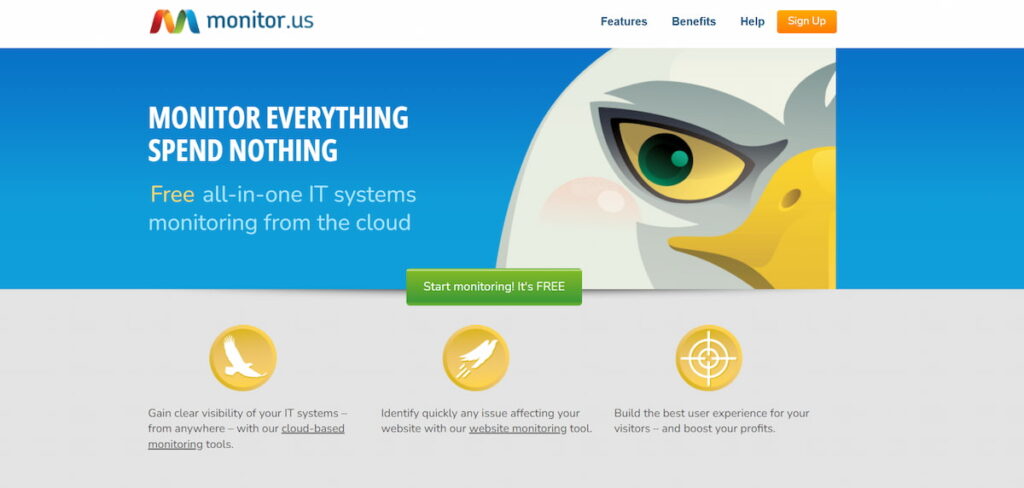
This is an unconventional but undeniable leader in the market of IT monitoring systems that’s been serving its customers since 2006. The flexibility of Monitor.us is something other tools can only strive for: it offers an all-in-one dashboard, full cloud support, and most importantly, it’s free.
Let’s start by checking its top features:
- Full-page load monitoring. This system constantly monitors how long it takes for a page to load, providing a breakdown of all its components, including images, frames, texts, etc;
- Server monitoring. You can check whether your servers are up and running at all times without doing anything: the system will warn you if one of the platforms runs into a glitch;
- Mobile monitoring. Monitor allows watching over your business kingdom from your mobile. Very few services come with such a setup; it’s free, too, so all you need to do is enable timely push notifications;
- Network monitoring. This tool is perfect for multi-layered network monitoring. You can switch between agent-based and agentless versions, check routers and switches automatically, etc.
One dashboard means that you don’t have to switch between different pages to see if everything is working fine. The monitoring is fully automated, and you get immediate alerts if the tool detects a problem.
Monitor is a free version of a more advanced tool called Paid Monitoring. However, unlike most sites that offer a free but severely limited taste, this system functions independently. It provides a whole range of features every business can benefit from, which is one of its biggest advantages over competitors.
Datadog
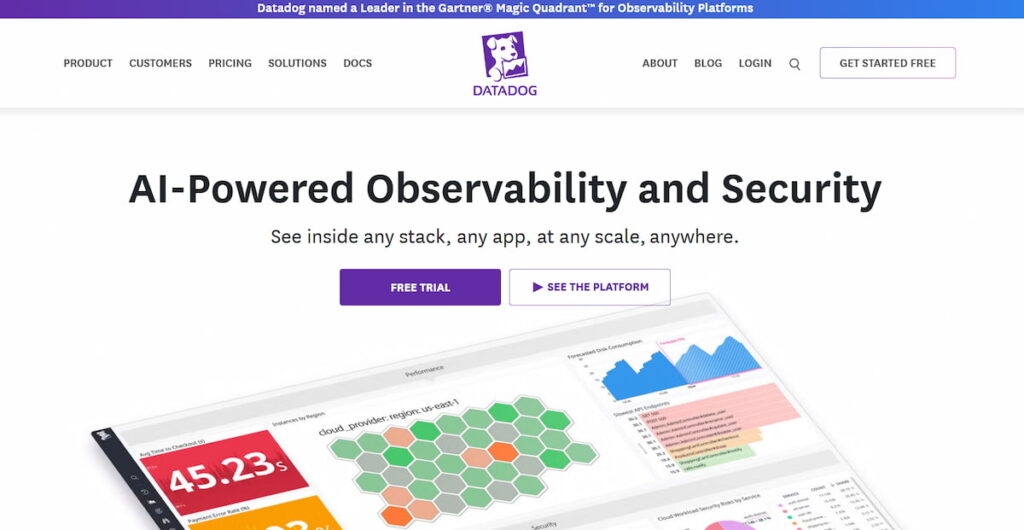
Datadog is another reputable IT monitoring system that delivers impressive results to companies. It was founded in 2010, and after some successful email marketing campaigns and lead generation efforts, it’s made a lot of progress. Here is what you can currently use it for:
- Full infrastructure monitoring. You can monitor your entire IT infrastructure layer by layer, getting detailed visualizations and metrics, as well as security insights;
- Application monitoring. Datadog gives its users an opportunity to monitor how their cloud-based applications are doing and correlate performance between a site and an app;
- Network monitoring. Since Datadog offers a flexible model of monitoring, you can watch your networks regardless of their format. There is support for hybrid, cloud, and on-site options;
- Container monitoring. Datadog is excellent at container monitoring, so if that’s what your infrastructure is like, you can get valuable insights and full visibility of your containers’ health.
When it comes to prices, despite its experience and a wide range of tools, Datadog is actually pretty cheap. You can opt for a free trial and see what it has to offer for free. If you like it, you’ll be able to choose from several client packages.
The cheapest set of IT monitoring tools costs $15 per month, and the most expensive one is worth $34. Datadog has two billing options. Either it charges you for the entire year at once, or you pay per your demand; in case of the latter, the price will be higher.
Incidite
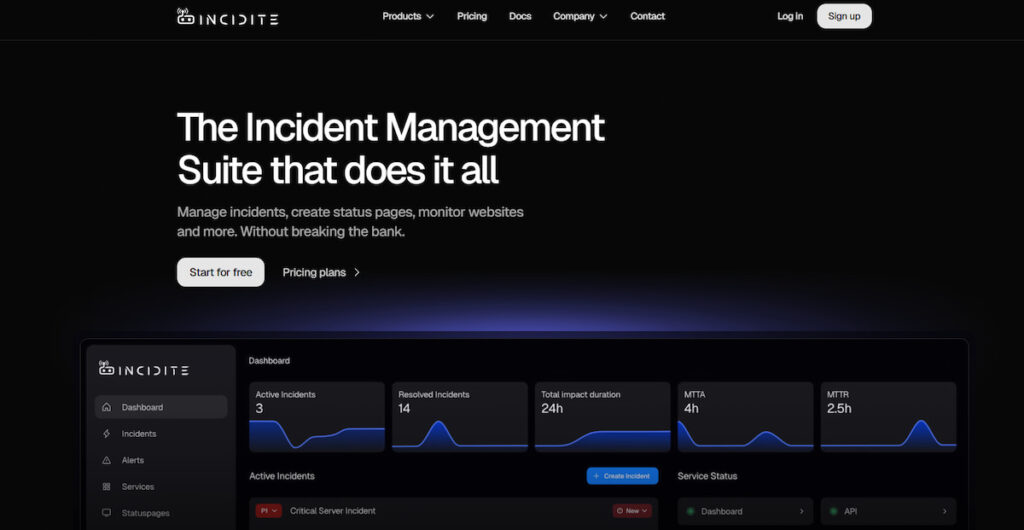
Companies often wonder how to prevent hacking and guarantee their online safety. Close monitoring across every infrastructure level can help with it, and the Incidite tool is one of the most recent monitoring systems that can help in this regard. It was set up in 2021; it knows that AI helps enhance customer engagement, so it incorporates all the newest innovations a business might wish for.
Here is what Incidite covers:
- Detecting outages. This tool runs tests all the time, covering multiple regions at once. This way, you can learn if your site is down in a specific location just the moment it happens;
- Identifying patterns. You can get a detailed overview of every layer of your infrastructure, coupled with comprehensive metrics, site availability, problem duration, and so on;
- Monitoring networks. Users can watch how their entire networks are doing via ICMP ping. Incidite uses a variety of tools for each type of monitoring, which makes its results even more accurate;
- Using integrations. This system supports a considerable number of integrations for collaboration, such as Slack, Discord, and potentially Microsoft Teams. It makes its usage even more convenient for bigger businesses.
As you can see, Incidite differs from other monitoring systems a bit, at least in some aspects. However, it’s the same in everything that matters. You can monitor your IT infrastructure with ease, getting alerts as soon as an issue pops up.
There is a free Incidite package that gives potential users a chance to check how everything works before committing to any paid plan. The basic plan costs 16 euros, while the most expensive one is worth 41 euros. It provides access to 20 monitors, 7 status pages, and various collaboration tools.
Zabbix
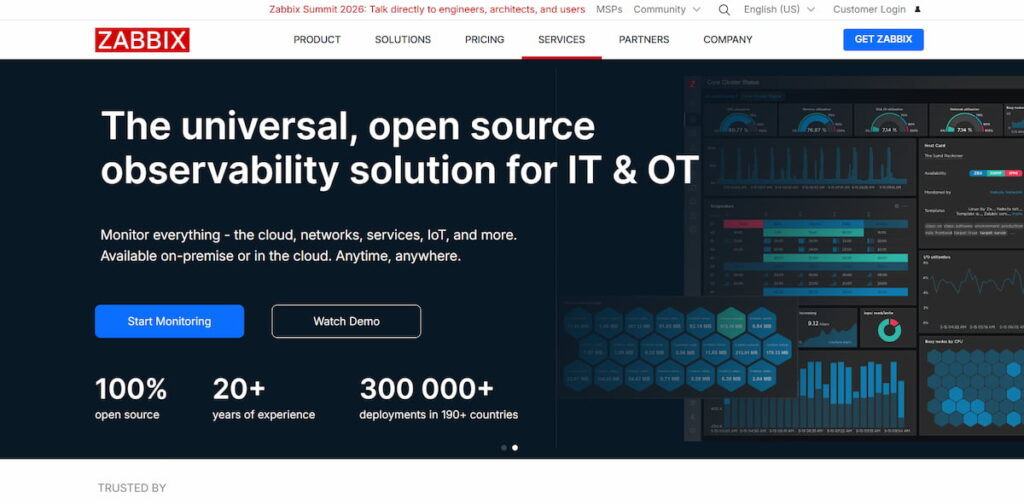
These days, tech-wise, you can do almost everything, even Python monitoring, as long as you have the right tools at your disposal. Zabbix was conceived as a tech project in 2001, and in 2005, it became a proper company. It’s completely open source, and over these decades, it gained an unprecedented number of users. What features should you know about first and foremost? Take a look below.
- Server monitoring. You can easily monitor your management systems and servers, including physical, virtual, and cloud ones;
- Database monitoring. If you’re using databases such as MySQL, PostgreSQL, Oracle, or MS SQL, you’ll be able to monitor everything that’s happening there;
- IoT monitoring. If you’re working with IoT sensors and industrial devices in general, Zabbix will supply you with tools for monitoring;
- Limitless scalability. Due to its flexible features and huge capabilities, Zabbix allows scaling as much as you want; this makes it perfect for enterprises.
This system offers a wide range of integrations and monitoring options. You can find their entire list on the Zabbix official website. If something is missing, you can contact customer support and ask them if it’s possible to add what you need.
As for prices, Zabbix targets enterprises first and foremost, so its price list reflects that. The cheapest package costs $325 per month; the most expensive comes to $825. You can also discuss a separate plan and receive a personalized quote.
Making a Final Choice
Let’s make a final comparison table to help you see which system is the best.
| Tool | Ideal For |
|---|---|
| Monitor.us | Smaller companies and businesses interested in accessing a complete range of monitoring tools and an all-in-one dashboard for free. |
| Datadog | Businesses that depend on container-heavy environments and want complex monitoring for an affordable price. |
| Incidite | Average-sized businesses that depend on constant communication and care about having access to key collaboration integrations. |
| Zabbix | Enterprises interested in the highest level of scalability and complex environment monitoring at no license fees. |
You’ve seen plenty of IT monitoring systems that can help you observe how your infrastructure performs and catch any and all deviations from the norm just in time. Consider such factors as your budget, needs, and preferences. Go for the free trial if it’s available.
If you choose one of the pricier systems but worry about the costs a lot, apply for the cheapest available package. It will come with minimal features: try them out, and if you’re satisfied, go for a more expensive option.
Making the final choice might be difficult, but once you do, you’ll have a long-term helper who’ll monitor your entire system for you, warning you the instant something goes wrong. Focus on the most important work, and let the monitoring system do the rest.
FAQ
Monitoring systems are specialized platforms that track the performance, accessibility, and security of IT infrastructure across different companies. They gather all the data that matters, such as CPU load, network traffic, error logs, server response time, and so on.
The main use of IT monitoring software is its ability to do real-time checks and alert users whenever something is wrong. It delivers critical insights, and teams can act on them right away, which saves time and money.
There are many monitoring systems in the market, and while they perform similar features, the nuances differ from platform to platform. Scalability is one of them. Decide if you need it and how big a focus your tool should place on it.
Next, consider compatibility. The platform you’re planning to use should integrate easily with the systems you’re using, including collaboration tools. Price also matters: some systems are free, while others require quite a hefty fee.
Think about the ease of use, too. Small companies don’t need overly complex interfaces and an endless number of dashboards.
The ultimate choice of IT monitoring system depends on the size, capabilities, and preferences of each company. For smaller businesses, Monitor.us is the best option: it’s free, with full, comprehensive coverage. Zabbix is great for large firms and enterprises; its range of features and pricing reflects that.